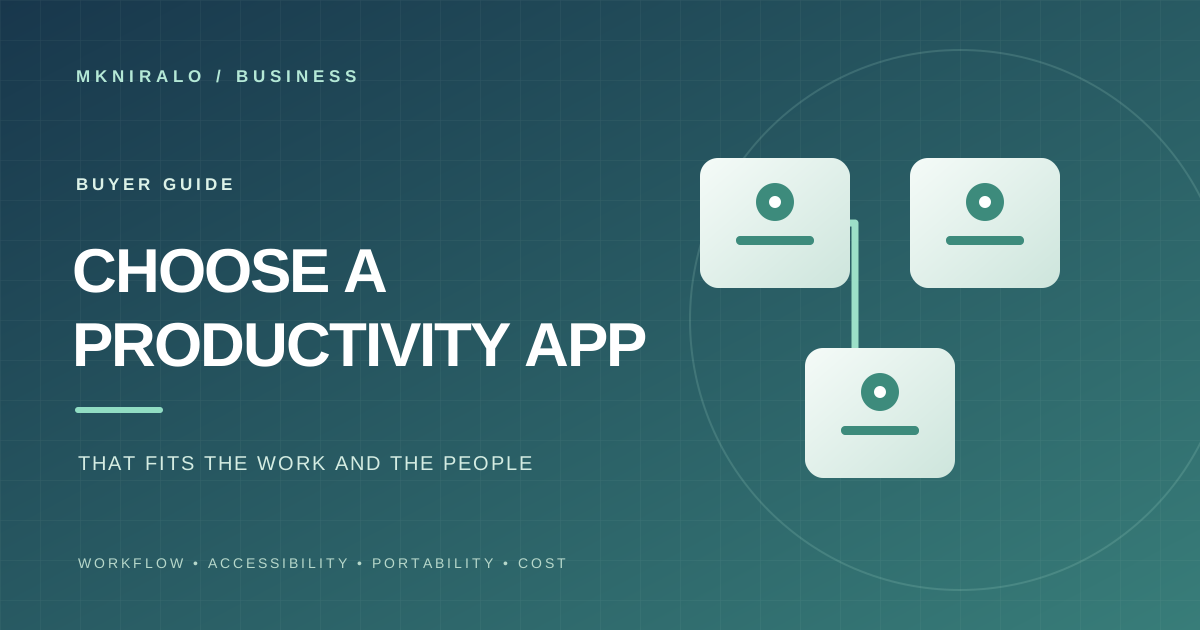
The best productivity app is rarely the one with the longest feature list. It is the one that makes important work easier, that people can actually use and that does not trap your information when your needs change. A short, structured evaluation is more useful than a feature-by-feature tour.
Start with the work, not the software
List the tasks that currently create friction: repeated data entry, missed handoffs, unclear ownership, scattered files, duplicated updates or slow approvals. Write down who does each task, how often it happens and what a better result would look like.
Separate a genuine workflow problem from a preference for a new interface. If the current process is unclear, adding another app may simply move the confusion to a different screen. Decide which problem must improve before you compare products.
Test real workflows with real users
Choose three to five representative tasks and run them through each candidate app. Include the normal path, a correction, a handoff to another person and a case where something goes wrong. Use the same tasks and success criteria for every product.
Measure whether the app reduces steps, errors or waiting time. Notice where people need training, where information must be entered twice and where the workflow depends on a single administrator. A feature that looks impressive in a demo may not help the team’s daily work.
Ask the people who will use the app regularly to try it. Managers and buyers may value reporting or administration features that do not solve the friction experienced by frontline users.
Check adoption friction and collaboration
Look at onboarding, search, navigation, notifications, mobile support, offline behavior, permissions, shared workspaces and integrations with the tools you already use. Check whether users can understand what changed and who is responsible for the next step.
More integrations are not automatically better. Confirm that the specific connection you need is supported on your plan, whether it is maintained by the vendor or a third party, and what happens when synchronization fails.
Consider how the product behaves as the team changes: adding and removing users, transferring ownership, recovering an account and handing a workspace to a new administrator.
Treat accessibility as a core requirement
For web interfaces, use WCAG 2.2 as a reference when checking keyboard access, visible focus, text alternatives, contrast, resizing and whether controls work without precise pointer movements. The W3C guidelines are testable criteria for web content, but a quick visual check is not a conformance audit.
If the product also has native desktop or mobile apps, check the relevant platform accessibility behavior as well. Test with the assistive technologies and devices your team actually uses. Do not assume that a polished interface is accessible to everyone.
Check data portability and the cost of leaving
Before committing, find out how to export your information. Check the available formats, whether attachments and comments are included, whether exports preserve relationships and timestamps, whether bulk export is possible and whether you can retrieve your data after cancellation.
Review ownership, retention and deletion terms. Ask whether you can transfer an account or workspace, whether the product supports open formats or APIs, and whether important workflows depend on proprietary features that would be difficult to replace.
The UK Government’s guidance on cloud lock-in makes an important distinction: avoiding every dependency can reduce useful functionality, but the value of a service should be weighed against portability and future switching costs. The goal is not zero lock-in at any price; it is a deliberate trade-off with a credible exit path.
Calculate the total cost, not just the subscription
Add up per-seat fees, storage, automation runs, premium integrations, usage limits, API access, support tiers, onboarding, training and any implementation work. Check what happens when a team grows or usage exceeds the included allowance.
Include the cost of migration and the time people spend maintaining the app. A low monthly price can be misleading if the product requires manual workarounds or a paid add-on for an essential feature. Compare the total cost over a realistic period, such as one year, rather than only the first month.
Run a time-limited pilot
Use a small group that represents different roles, devices and levels of experience. Agree on the pilot length and success measures before starting. Examples include fewer handoff delays, lower duplicate entry, faster retrieval of information or a higher completion rate for a defined workflow.
Keep the pilot focused. Avoid migrating every historical record or connecting every system before the core workflow has been tested. At the end, ask users what improved, what became harder and what would prevent them from continuing.
If the product handles sensitive or business-critical information, involve the relevant security, privacy and operations owners before expanding access.
Use a simple decision scorecard
Score each candidate from 0 to 5 using the same evidence. The weights below form an original buyer rubric for this guide, not an industry standard or a formal accessibility assessment.
Workflow fit — 30%: Does it solve the problem that caused the search for a new app?
Adoption and collaboration — 20%: Can the intended users learn it and complete their work without unnecessary friction?
Portability and exit — 20%: Can you export, recover and move your data, and are switching costs understood?
Accessibility and device support — 15%: Can people use it with the devices and assistive technologies they need?
Total cost — 15%: Is the full cost predictable at the expected scale?
Calculate each contribution as (rating ÷ 5) × weight, then add the results. Keep the individual scores visible. A strong total should not override a deal-breaker such as missing data export, an inaccessible critical workflow or an unresolved security requirement.
Sources: Managing technical lock-in in the cloud · Web Content Accessibility Guidelines (WCAG) 2.2
Know when to keep looking
Pause if the vendor cannot explain how to export or delete your data, an essential integration is unavailable on the plan you can afford, the product fails a critical workflow or the pilot depends on workarounds that will not scale.
Choose the app that makes the work clearer and more reliable—not the one with the most features in a comparison table. Revisit the decision when pricing, terms, ownership, accessibility or your team’s needs materially change.