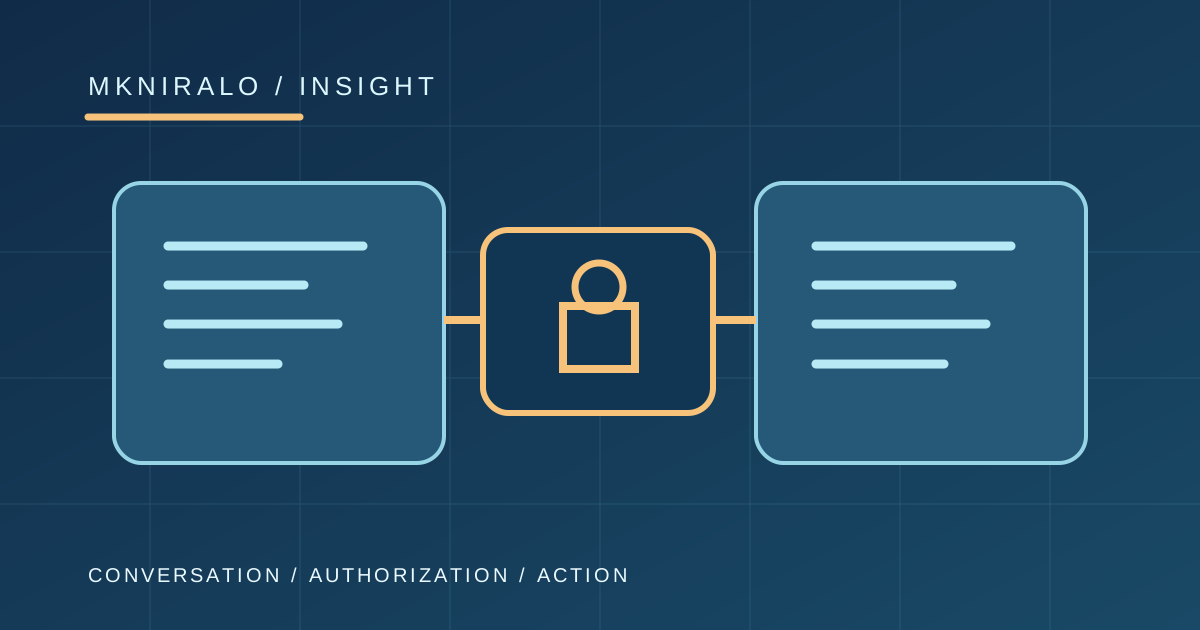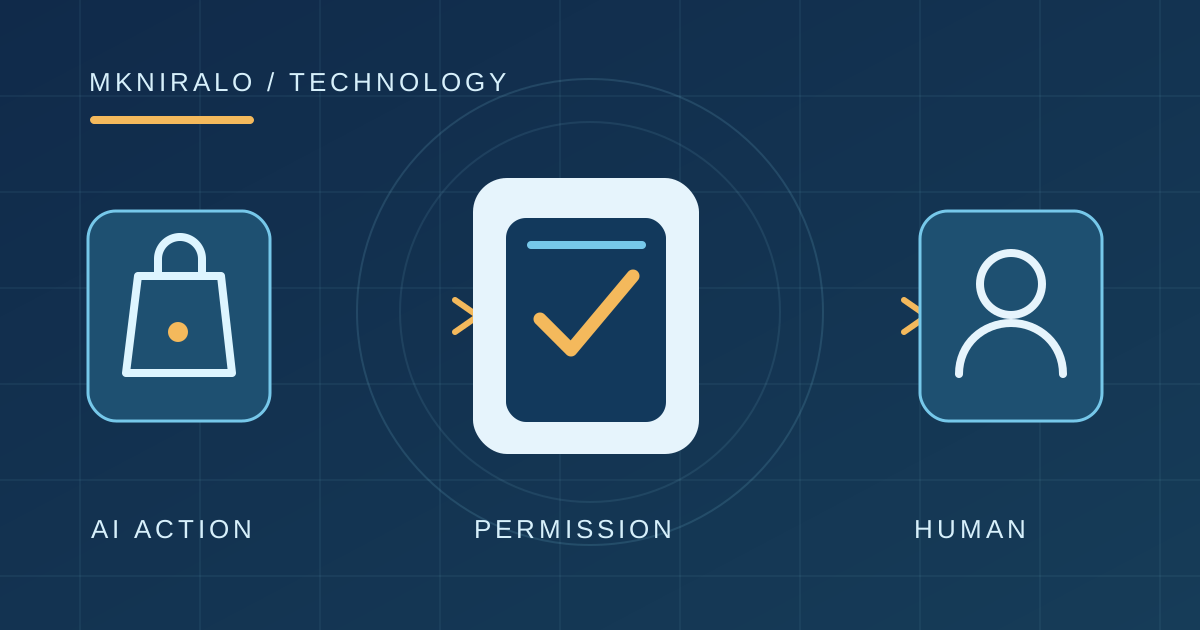
Writing an automation as plain-language Markdown sounds much easier than maintaining a complicated workflow file. GitHub's October 28, 2026 release of Agentic Workflows brings that idea into a generally available tool: a developer describes a reasoning task, and GitHub compiles it into the Actions machinery already familiar to repository maintainers. The promise is less repetitive triage and documentation upkeep. The risk is assuming that a readable instruction automatically becomes a safe or correct action. The important innovation is not Markdown by itself; it is the boundary between an agent's proposal and the authority to change a repository.
What became generally available on October 28?
GitHub announced general availability of its open-source Agentic Workflows project, previously available in preview. It targets tasks that need interpretation rather than a rigid sequence of commands: classifying incoming issues, investigating CI failures, suggesting documentation changes and drafting tests. Workflows run through GitHub Actions and can use Copilot or another supported coding-agent engine.
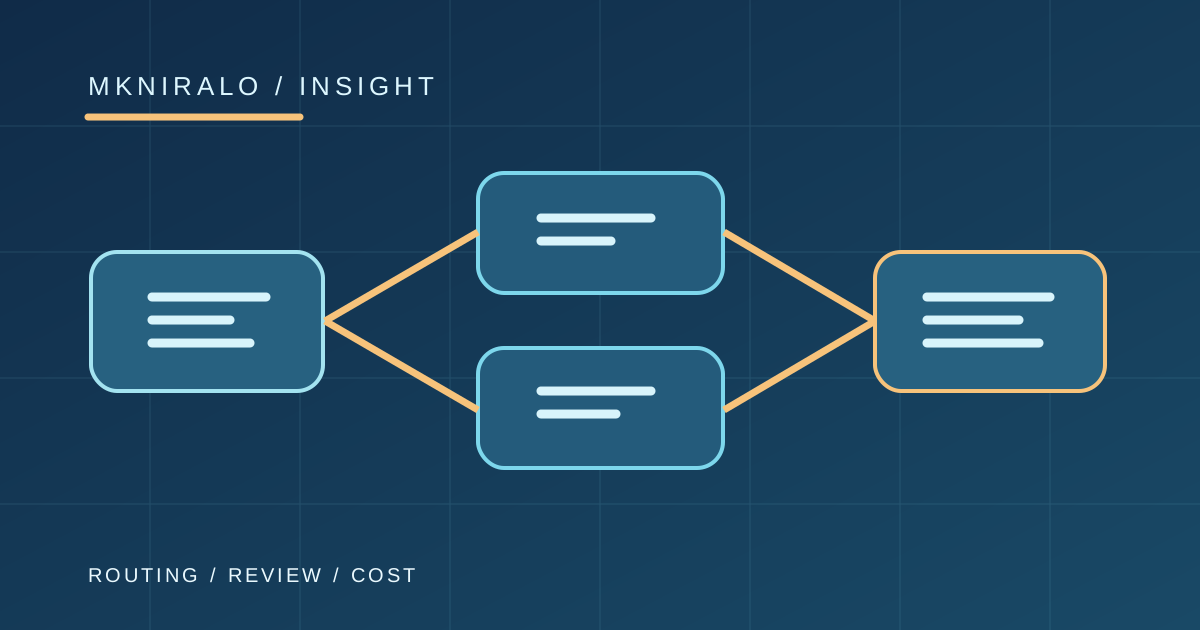
This is distinct from Copilot Fusion, the model-routing feature announced at the same event. Fusion chooses and coordinates models while a developer works with an assistant. Agentic Workflows defines when a repository automation should start, what information it can inspect and which structured outputs it may propose. The two can be related in a tool ecosystem without being the same product.
Sources: GitHub Agentic Workflows generally available · GitHub Agentic Workflows security and availability
Markdown is the source, compiled Actions is the runtime
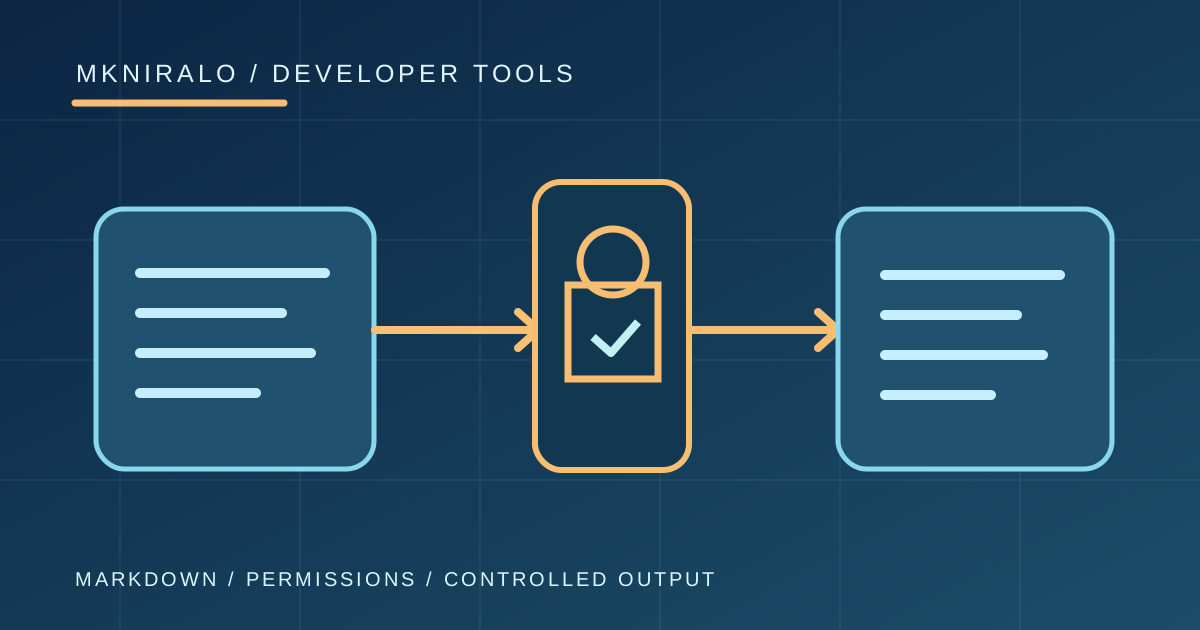
A workflow source file combines a short YAML frontmatter block with natural-language Markdown instructions. The frontmatter describes triggers, permissions, selected tools, agent engine and permitted outcomes. The Markdown body explains what the agent should accomplish. The `gh aw compile` command validates that source and produces a `.lock.yml` file that GitHub Actions executes.
That design makes reviews easier only when teams inspect both layers. A beautifully phrased prompt is not an adequate substitute for reviewing its trigger conditions, generated workflow, external tools and credentials. Deterministic build and test jobs still benefit from conventional scripts; the agent layer belongs where context interpretation is genuinely needed.
Sources: GitHub Agentic Workflows generally available · How Agentic Workflows Work · About GitHub Agentic Workflows
What read-only really prevents—and what it does not
GitHub documents a read-only default for the agent job. It does not automatically hand the agent repository write access or secrets. If authors want an AI-produced comment, issue or pull request, the supported approach is to declare a constrained safe output, then let a separate job apply the validated result with narrowly scoped permissions.
But the safeguard depends on configuration. Authors can add custom jobs, provide privileged credentials, configure direct-write permissions or change other safety boundaries. A team should never infer that every workflow created with this framework is sandboxed identically simply because the product's default design emphasizes protection.
Threat detection and output sanitization add layers against prompt injection and accidental leakage. They do not establish that the agent understood a customer problem correctly or that a proposed code change is technically sound. The correct workflow should still make failure and ambiguity visible.
Sources: GitHub Agentic Workflows generally available · GitHub Agentic Workflows security and availability · Agentic Workflows FAQ
The cost question comes before the convenience claim
General availability for a feature is not the same as cost-free operation. GitHub says Agentic Workflows is supported on GitHub Free, Team and Enterprise, while use of the default Copilot CLI engine requires an appropriate Copilot license. Workflow runs may also consume GitHub Actions compute and model usage. Teams should check their account allowance and runner policies before starting high-frequency schedules.
GitHub's newer forecasting tooling provides a way to estimate likely usage and threat-detection credits. But model calls, issue volume and retry behavior can change consumption. An agent that wakes on every small repository event can become expensive before it creates meaningful value. A conservative pilot should cap concurrency and count the useful actions completed per run.
Sources: GitHub Agentic Workflows generally available · About GitHub Agentic Workflows
What should a first controlled pilot look like?
Choose a task that creates a reviewable suggestion rather than an immediate production action. A good starting point is weekly documentation-drift review: the agent reads merged code changes, identifies possibly outdated documentation and opens a draft pull request through a declared safe output. A maintainer reviews the diff before merging. This preserves the benefit of interpretation without giving the agent authority to publish unverified changes.
Define success using measurable criteria: Were suggested changes accurate? Did the workflow miss important changes? How many runs produced no action? Were tokens, compute time and reviews worth the result? Include deliberate examples of misleading issue text or unexpected external links and verify the workflow's permitted tools do not overreach.
Sources: How Agentic Workflows Work · About GitHub Agentic Workflows · Agentic Workflows FAQ
A new interface to automation is not an excuse to remove control
The strongest promise of agentic repository workflows is reducing the gap between a maintainer's intent and the system that performs repeated work. Less YAML may mean less setup friction. It does not remove the responsibility to specify authority, inspect outputs and handle failures. In fact, the easier an automation is to create, the more important those habits become.
For organizations that already build and deploy through another provider, GitHub Agentic Workflows is an optional product—not a requirement to migrate CI back to GitHub Actions. The sensible next step is a small, auditable experiment within available usage allowances, with a clear off switch, rather than enabling autonomous writes across a codebase on day one.
Sources: GitHub Agentic Workflows generally available · How Agentic Workflows Work · About GitHub Agentic Workflows · Agentic Workflows FAQ